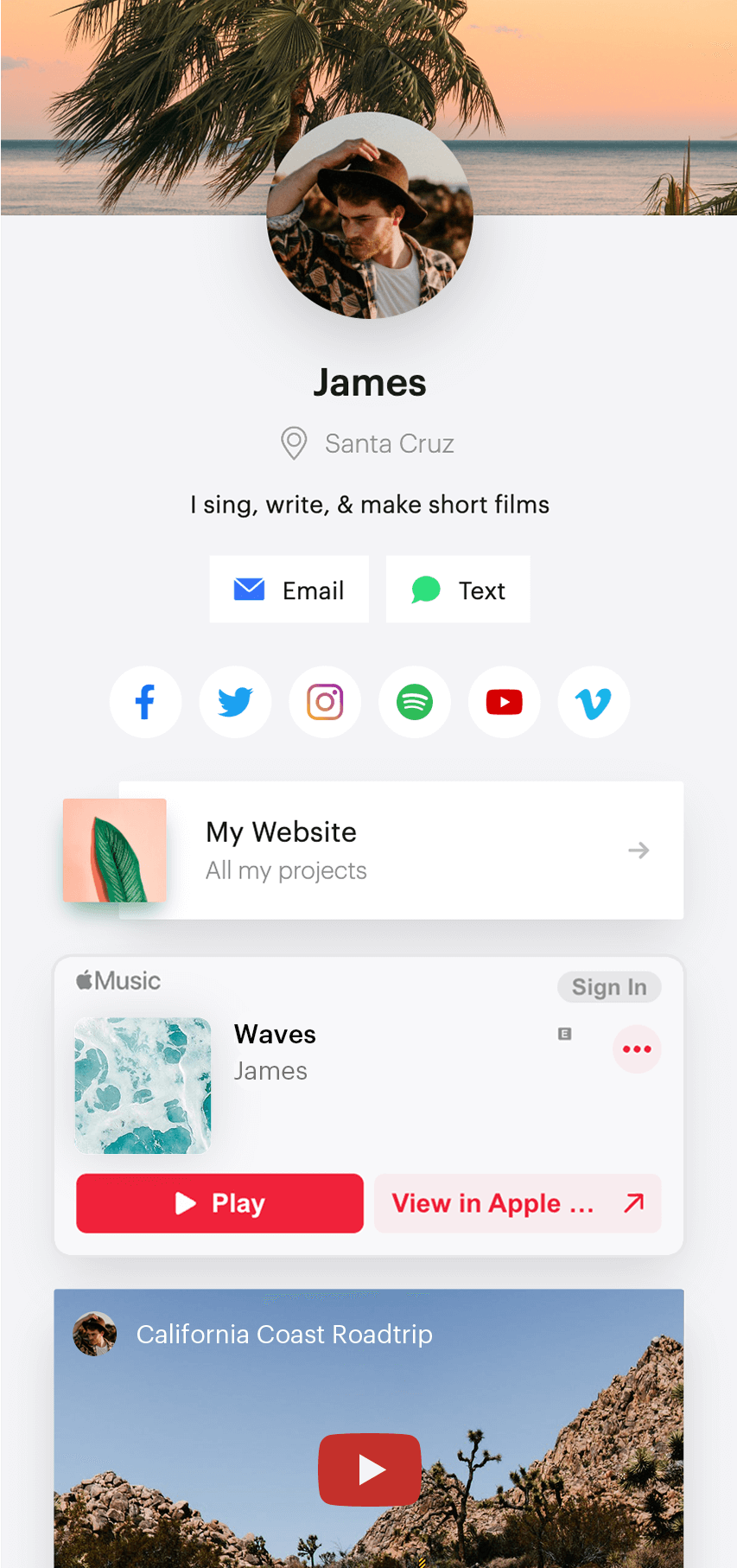
People who want a polished, professional page with rich media embeds and room to manage separate projects or identities.

People who prioritize unlimited links or want paid tools for content automation and detailed reporting.
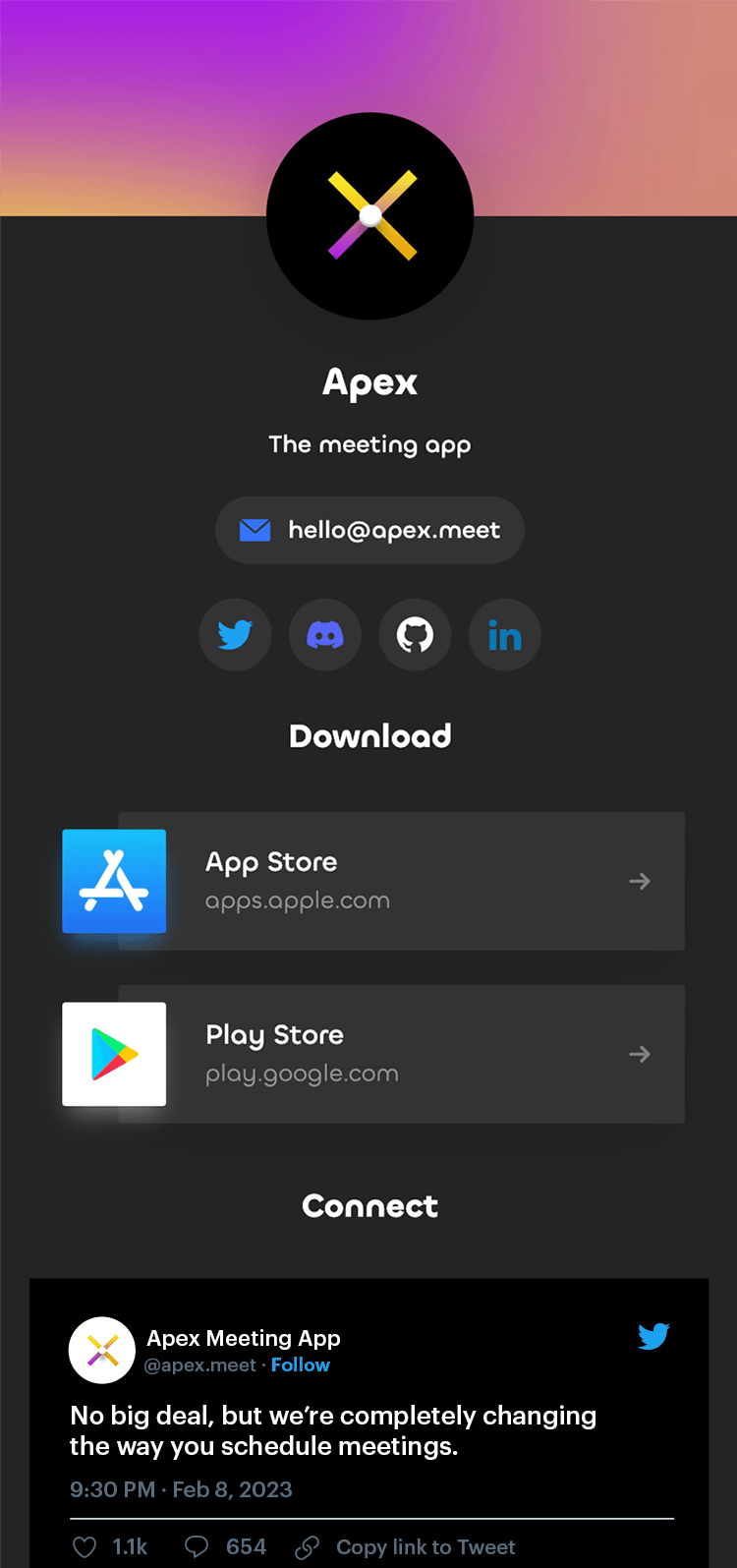


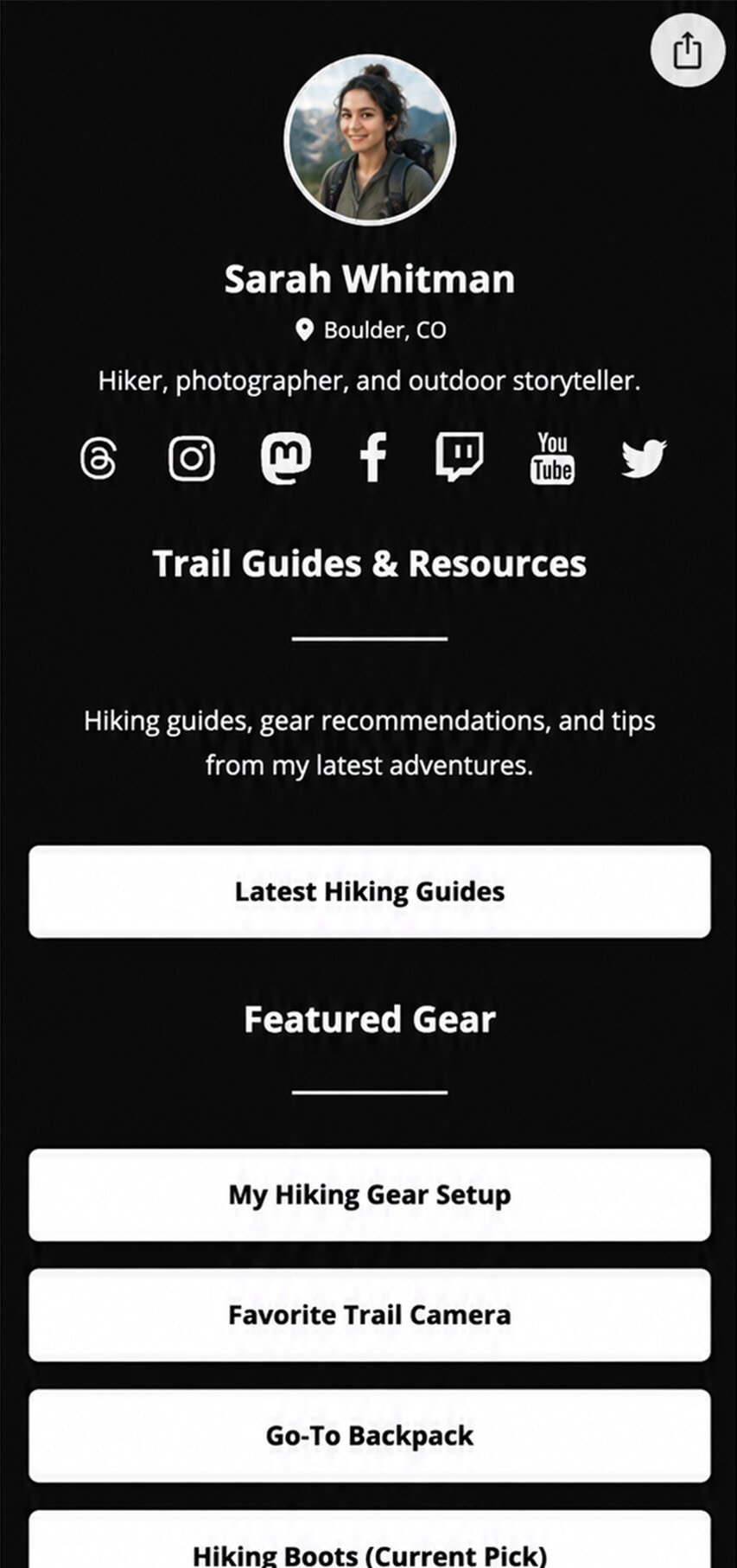
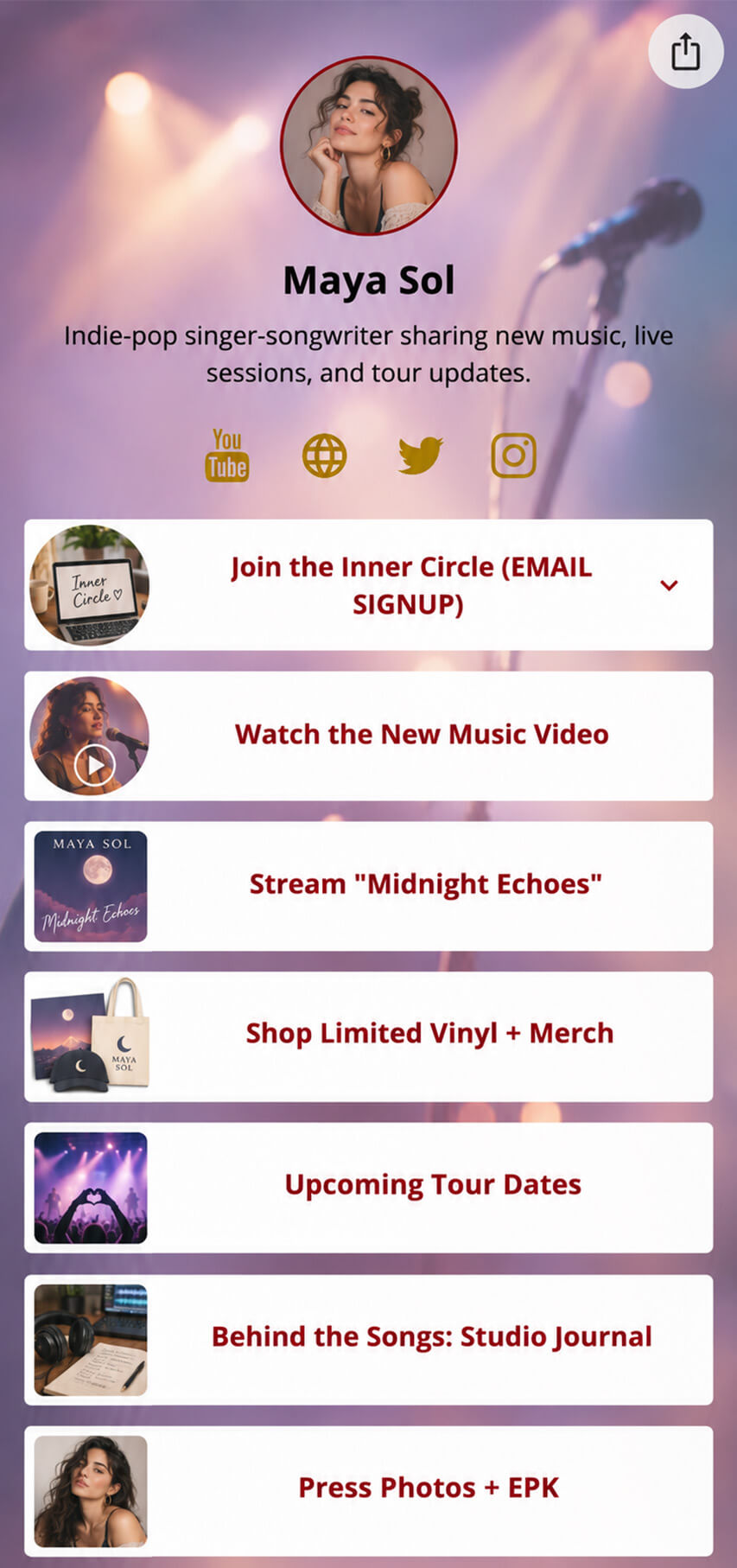
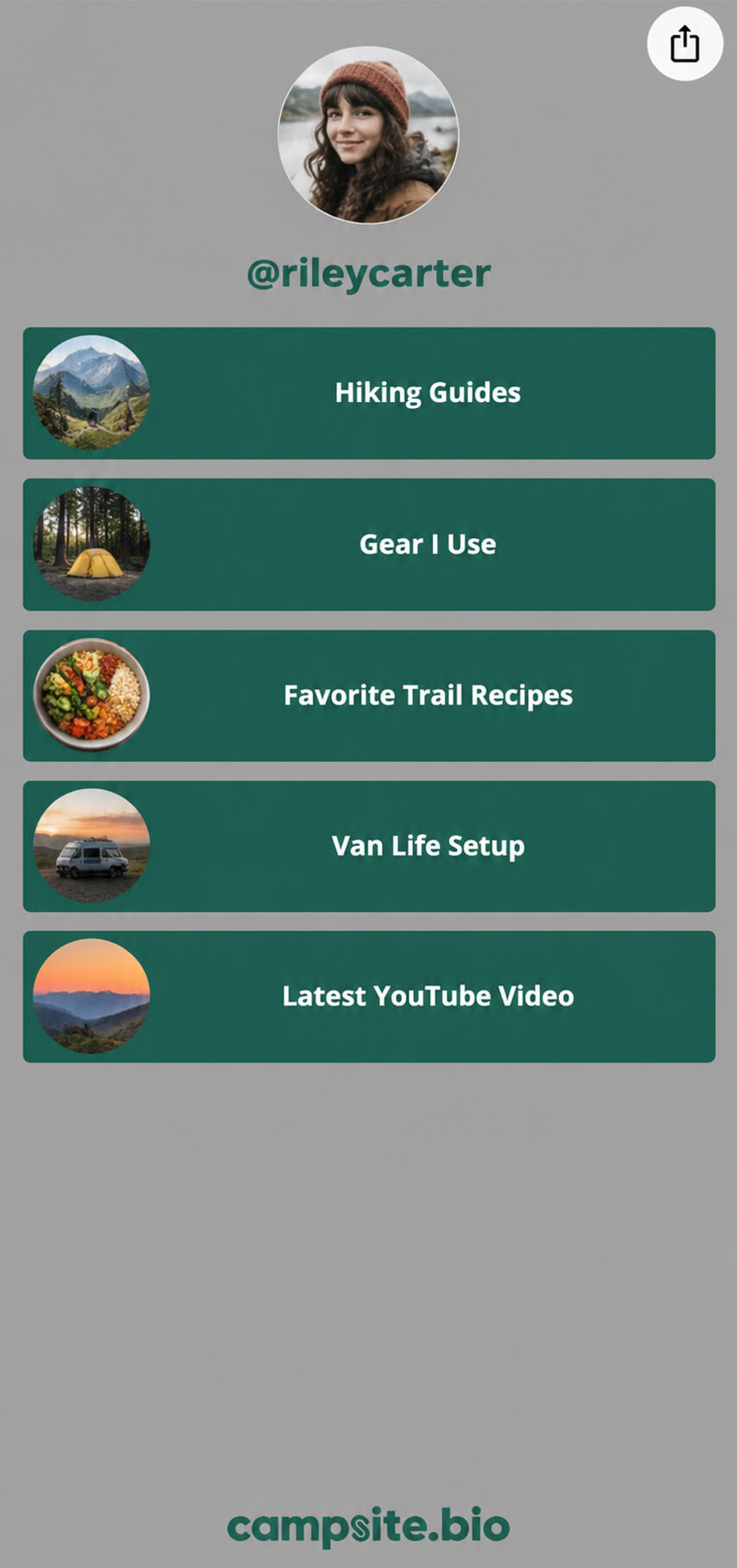

Create your solo.to page, add the links and content from your Campsite profile, and choose your page design. Preview it on your phone and test each link, then replace your Campsite URL in your social bios and other places you share it. If you use a custom domain, reconnect it after your new page is ready.
Yes. Custom domains are available on solo.to Professional and Campsite Pro and above. You’ll need a domain you own and access to its DNS settings to connect it.
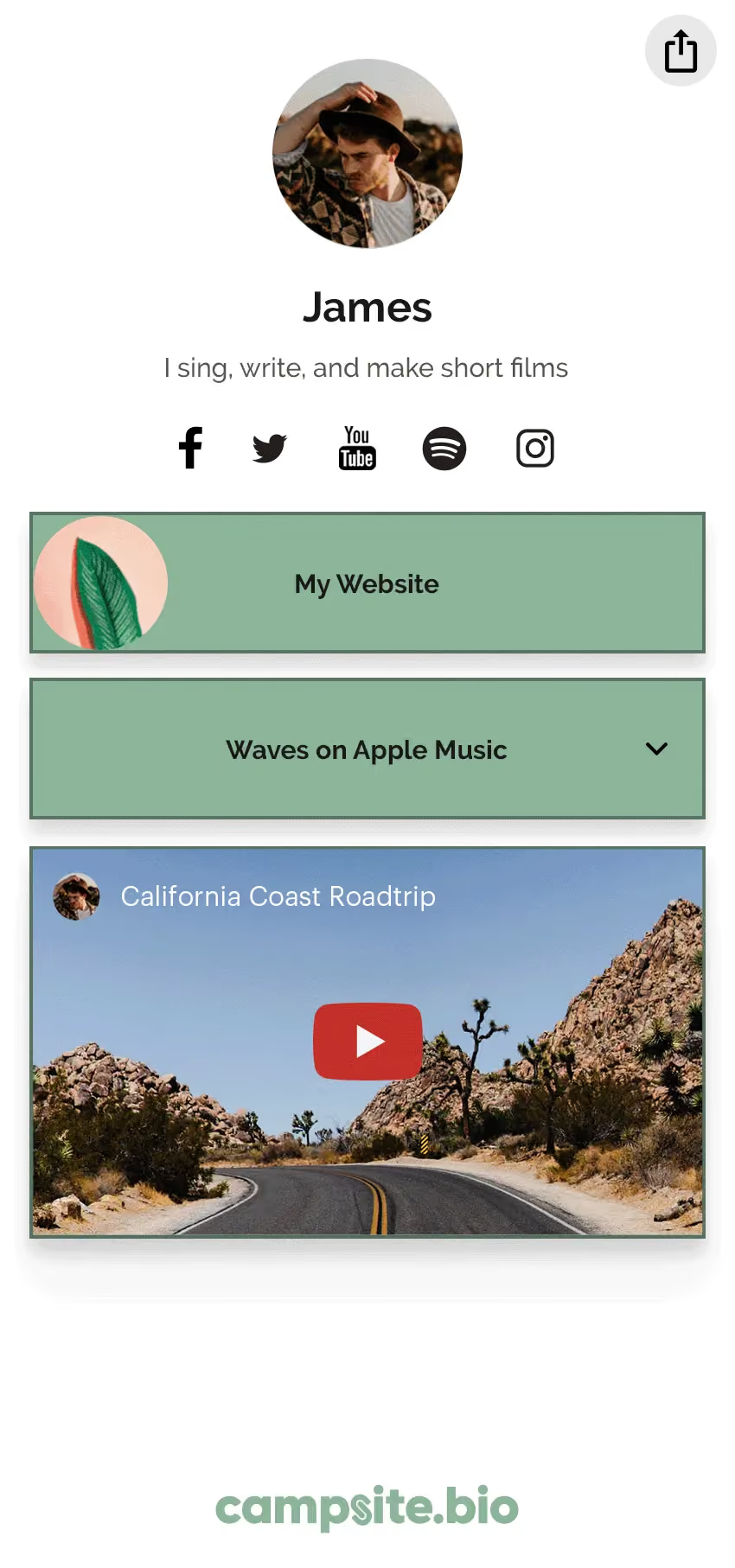
Campsite supports Spotify, Apple Music, SoundCloud, YouTube, Twitch, Vimeo, and Facebook embeds. solo.to also offers options such as Bandcamp, Beatport, TIDAL, and tour dates from Bandsintown and Songkick. Check the solo.to extensions list for the services you use.
Both let you personalize your page. solo.to offers light, dark, and void themes, with image backgrounds on Personal and video backgrounds on Entrepreneur. Campsite offers theme customization on Free, with image backgrounds, patterns, and animated gradients on Pro. The examples above can help you decide which style suits you.
solo.to’s free Beginner plan includes 25 links or sections and 30 days of page-view history. Campsite Free offers unlimited links, supported media embeds, and 14 days of views and clicks plus totals. Compare the free features you’ll use before choosing a paid upgrade.
solo.to is a strong fit if you want a polished page with music, video, and other embedded content. Campsite combines customizable themes with unlimited free links and tools such as image grids and Markdown text blocks. Your preferred design and the content you want to share are good starting points for choosing between them.